
 Lightroom Presets
 C1
C1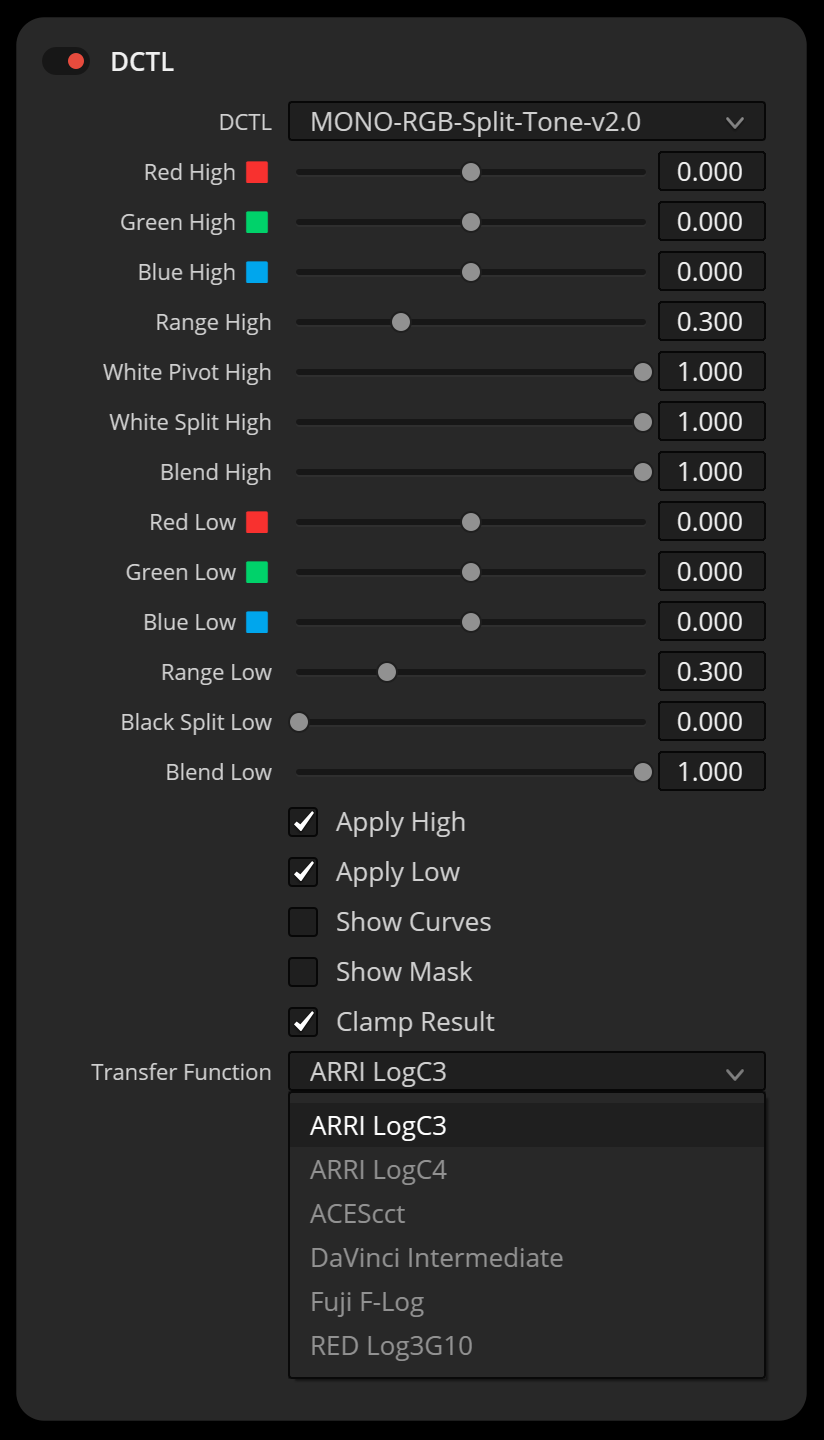
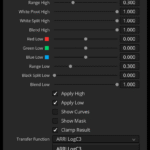
RGB Split Tone V2 là công cụ tách tông màu nhận biết không gian camera, hoạt động trực tiếp trong Input Log bạn đã chọn. Chọn log và các điều chỉnh sẽ được thực hiện trong không gian đó. Thay vì uốn cong các đường cong tự do, bạn sử dụng các thanh trượt chính xác với các điểm uốn mềm mại và tùy chọn bảo vệ màu trắng và đen. Màu trắng và đen có thể giữ nguyên trung tính hoặc được tách biệt có chủ ý để tạo hiệu ứng sáng tạo. Vùng sáng, vùng tối và màu xám trung bình giữ nguyên vị trí bạn đã thiết lập, giúp kết quả có thể dự đoán và lặp lại mà không cần phải điều chỉnh điểm neo hoặc thay đổi màu sắc bất ngờ.


Link gốc: https://mononodes.com/rgb-split-tone-dctl/
Xem thêm: Bộ sưu tập sản phẩm của Mononodes
Link download dành cho thành viên VIP?What is this?
Gói Gold 01 năm – Tải không giới hạn tất cả các sản phẩm trên Nencyart.com
Đội ngũ chúng tôi là Photographer và Desginer trong và ngoài lãnh thổ Việt Nam thành lập 2019 tiền thân là Ngcloudy do một số biến cố tách thành viên nên đổi tên thành Nencyart.
Tài nguyên chúng tôi bán đều là bản gốc từ tác giả!
Liên hệ để tải tài nguyên này (24/7)


Đánh giá
There are no reviews yet